Attaching/Detaching Lines
Attaching Lines to Nodes
Often, you might want to use the output of one node as the input for another node's properties. You can do this by attaching a line from the source handle to the target handle.
-
Click a source handle, such as the red dot:
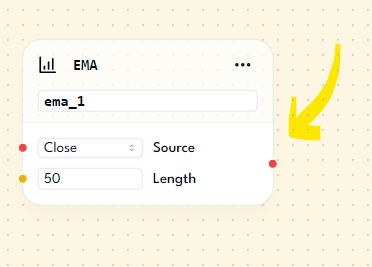
-
Hold the mouse button (you'll see a line appear).
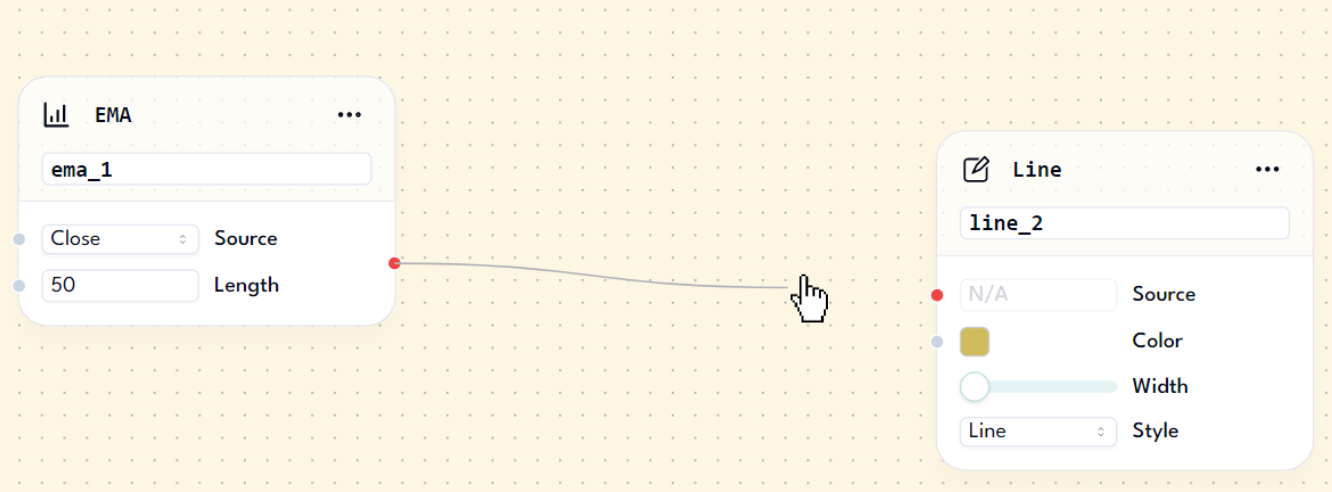
-
Drag the line to an enabled target handle (if it's grayed out, it's not a valid target).
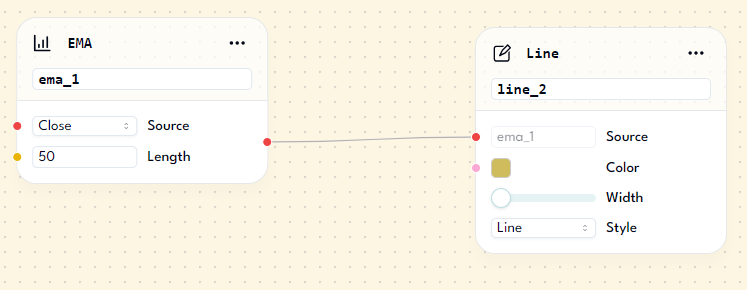
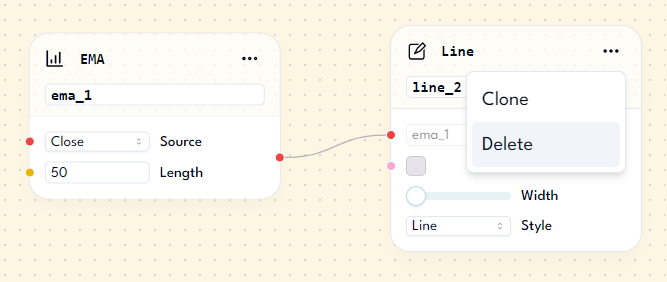
After completing these steps, the alias/name of the node should be displayed in the target node's text field. This indicates that the Source property of the Line node is using the EMA node's value, which is the ema 50.
Detaching Lines from Nodes
To detach lines/edges from nodes, follow these simple steps:
-
Click the line you want to delete and press
<- backspace. This will delete the line connecting the nodes.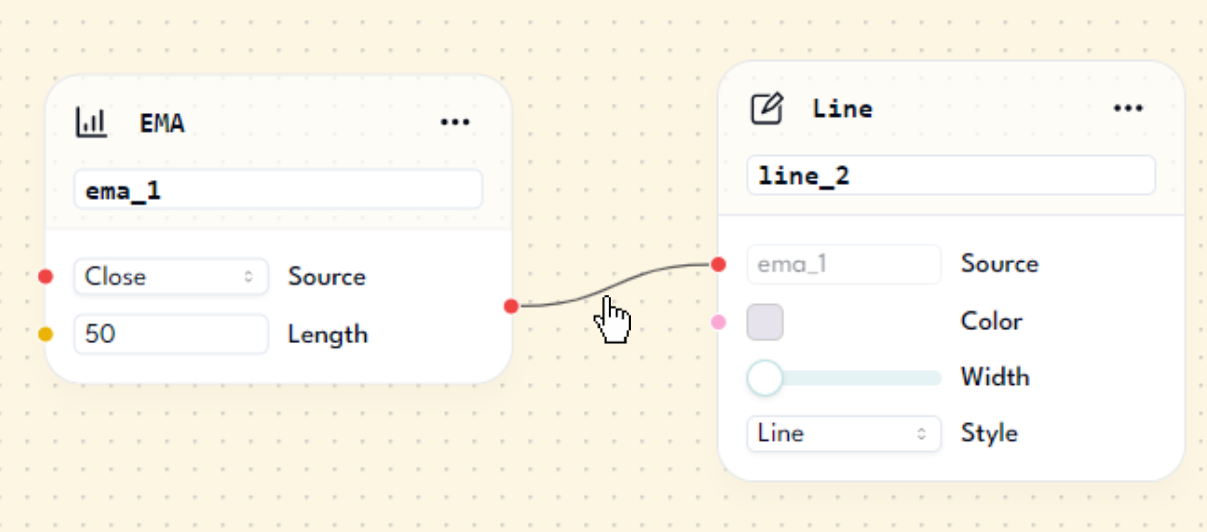
-
Alternatively, you can delete a node to which the line is connected. This will remove both the line and the node. For example, if you delete the Line node, the line will also disappear, leaving only the EMA node.
Summary
In this lesson, we covered how to add and remove lines connected to nodes. These lines are used to pass values from one node to another. By mastering these techniques, you can simplify and streamline complex coding tasks.